


What Is the Best Search Engine for PDF Files?
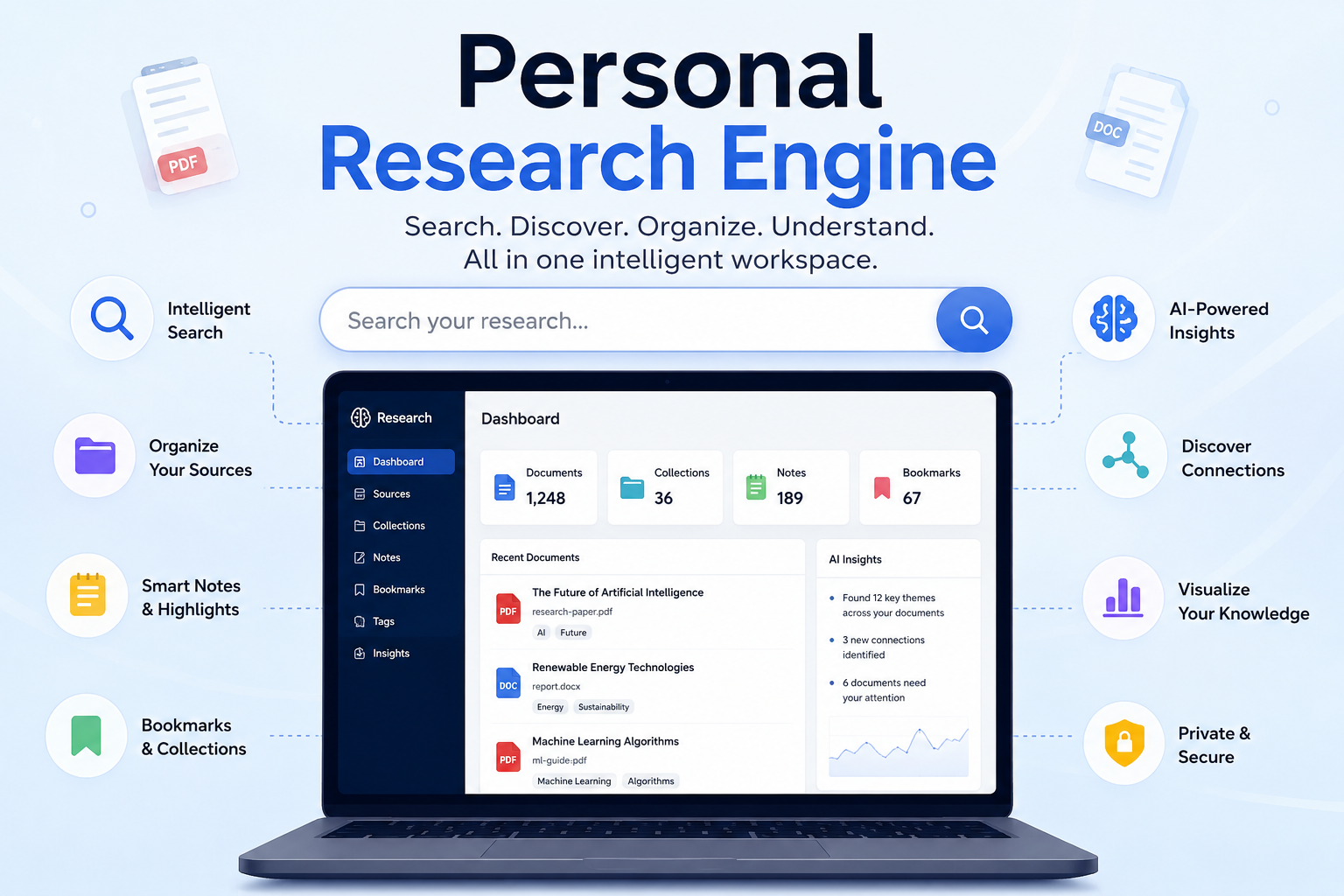
PDF files are everywhere—from research papers and academic journals to business reports, government documents, ebooks, manuals, and technical guides. Finding the right PDF, however, can sometimes be harder than finding a normal webpage.
The good news is that several search engines and specialized tools can help you discover PDF documents quickly. The best option depends on whether you are looking for academic research, free ebooks, government reports, technical documents, or general PDF files.
What Is a PDF Search Engine?
A PDF search engine is a search tool that helps users find documents in PDF format. Traditional search engines such as Google and Bing can index PDF files, but specialized academic and document databases can provide better results for particular types of content.
For example, you can search for:
- Academic research papers
- Scientific studies
- Government reports
- White papers
- Industry reports
- Ebooks
- User manuals
- Conference papers
- Technical documentation
- Legal and public documents
What Is the Best Search Engine for PDF Files?
There is no single best PDF search engine for everyone. However, Google is one of the best general-purpose options, while Google Scholar is particularly useful for academic PDFs.
1. Google — Best Overall for PDF Files
Google is usually the easiest place to start when searching for PDFs because it indexes a huge number of documents from websites around the world.
A useful search technique is the filetype:pdf operator.
For example:
filetype:pdf digital marketing strategy
This tells Google to prioritize PDF files related to digital marketing strategy.
You can make searches more specific:
filetype:pdf "SEO guide"
or:
site:edu filetype:pdf machine learning
or:
site:gov filetype:pdf annual report
Best for: General PDF documents, reports, guides, manuals, and public documents.
2. Google Scholar — Best for Academic PDFs
If your goal is to find academic research papers, Google Scholar is one of the most useful search tools available.
It focuses on scholarly literature, including:
- Research papers
- Journal articles
- Conference papers
- Theses and dissertations
- Academic books
- Citations
Search results may also provide links to freely accessible PDF versions when they are available.
Best for: Students, researchers, academics, and anyone looking for scholarly literature.
3. Semantic Scholar — Best for Research Discovery
Semantic Scholar is an academic search and discovery platform that uses machine-learning techniques to help users find scientific literature.
It can be particularly useful when you know the research topic but do not know the exact paper you need.
Best for: Scientific research and discovering related academic papers.
4. Internet Archive — Best for Older Documents and Books
The Internet Archive provides access to a large collection of digitized books, historical documents, websites, and other digital materials.
It can be particularly helpful when searching for older publications or documents that are difficult to find through ordinary search engines.
Best for: Historical documents, books, archived publications, and older materials.
5. ResearchGate — Useful for Academic Papers
ResearchGate is a platform used by researchers to share and discuss academic publications. Some researchers upload full-text versions of their papers, including PDFs.
Availability varies because not every paper has a freely downloadable full-text version.
Best for: Research papers and connecting with academic authors.
How to Search for PDF Files on Google
Google provides several search operators that can make PDF searches much more precise.
Use filetype:pdf
The simplest method is:
filetype:pdf keyword
Example:
filetype:pdf "content marketing"
Search for an Exact Phrase
Use quotation marks around a phrase:
filetype:pdf "technical SEO"
This can help narrow the results to documents containing that exact phrase.
Search a Specific Website
Use the site: operator:
site:gov filetype:pdf climate report
This can help you find PDF documents hosted on government websites.
You can also search a particular domain:
site:edu filetype:pdf "research methodology"
Combine Search Operators
For more targeted searches, combine operators:
site:org filetype:pdf "annual report" 2026
This can help locate PDF annual reports published by organizations.
Best PDF Search Engine by Use Case
| Purpose | Recommended Search Tool |
|---|---|
| General PDF search | |
| Academic research | Google Scholar |
| Scientific literature | Semantic Scholar |
| Historical documents | Internet Archive |
| Researcher-shared papers | ResearchGate |
| Government reports | Google + site:gov |
| University documents | Google + site:edu |
| Technical manuals | |
| Industry reports | |
| Books and archived publications | Internet Archive |
How to Find Free PDF Files
Not every PDF found online is legally available for free download. When looking for books, research papers, or paid publications, check whether the document is provided through an authorized source.
Good sources may include:
- University repositories
- Government websites
- Official organizations
- Open-access journals
- Institutional repositories
- Public libraries
- Author or publisher websites
- Internet Archive collections where access is authorized
Avoid downloading copyrighted material from websites that do not have permission to distribute it.
Tips for Better PDF Searches
1. Use Specific Keywords
Instead of searching:
marketing PDF
try:
filetype:pdf "B2B content marketing strategy"
More specific searches generally produce more useful results.
2. Add a Year
If you need recent information, include a year:
filetype:pdf "SEO trends" 2026
3. Search by Organization
If you know who published the document, use site::
site:who.int filetype:pdf health report
4. Search by Document Type
Add terms such as:
- Report
- White paper
- Research paper
- Guide
- Manual
- Handbook
- Thesis
- Dataset documentation
For example:
filetype:pdf "SEO guide" 2026
Can Bing Search PDF Files?
Yes. Bing can also discover PDF documents and supports search operators that can help narrow results. If Google does not provide the document you need, trying another search engine can sometimes uncover additional results.
What Makes a Good PDF Search Engine?
A good PDF search tool should provide:
- Large document coverage — It should index many relevant documents.
- Accurate results — Results should closely match your keywords.
- Advanced filtering — Filters for date, author, topic, or document type can be valuable.
- Reliable sources — The search should help users identify trustworthy publishers.
- Easy access — Users should be able to determine whether a document is available legally and freely.
Final Verdict
For most users, Google is the best general search engine for finding PDF files, especially when you use the filetype:pdf search operator.
For academic and scientific research, Google Scholar and Semantic Scholar are better specialized choices. For historical books and archived publications, the Internet Archive can be particularly useful.
The best approach is to match the search tool to your purpose: use general search for everyday PDFs, academic databases for research, and trusted institutional or government websites for authoritative reports.
Quick Search Examples
Try these searches to get started:
filetype:pdf "digital marketing strategy"
filetype:pdf "SEO guide"
site:edu filetype:pdf "computer science"
site:gov filetype:pdf "annual report"
filetype:pdf "artificial intelligence" 2026
With the right keywords and search operators, finding useful PDF documents online becomes much faster and more accurate.